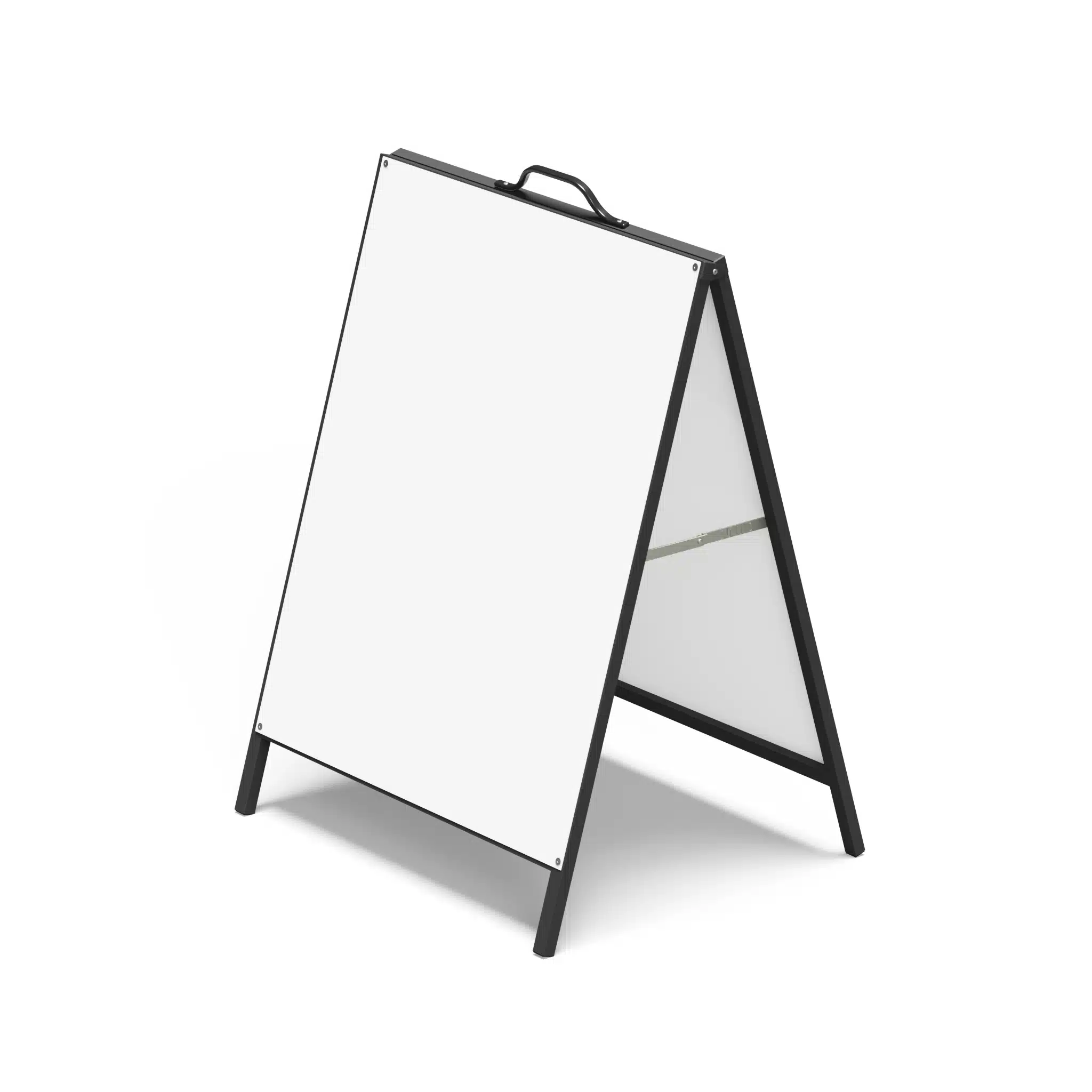
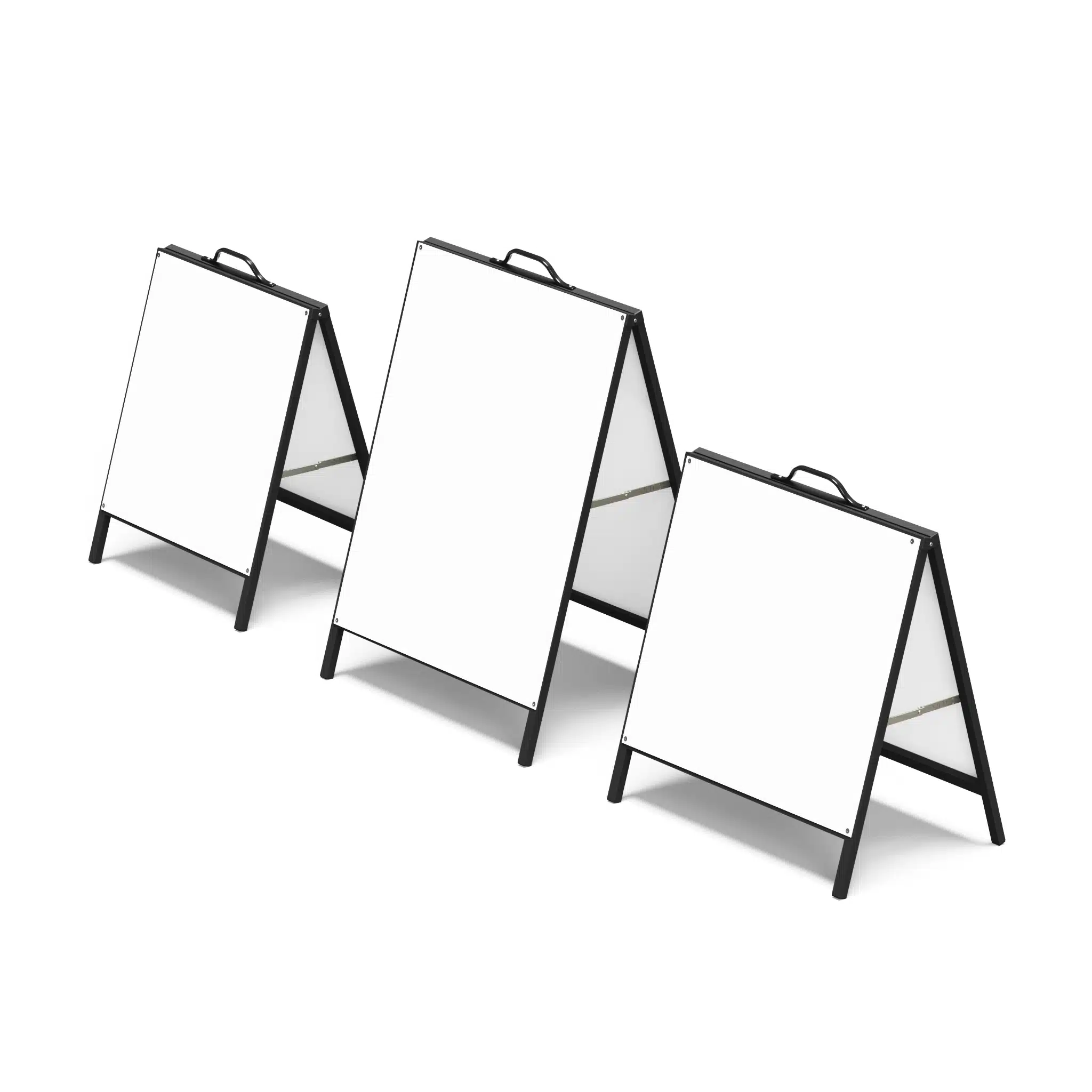
Portrait Metal Faced A-Frame
$165.00
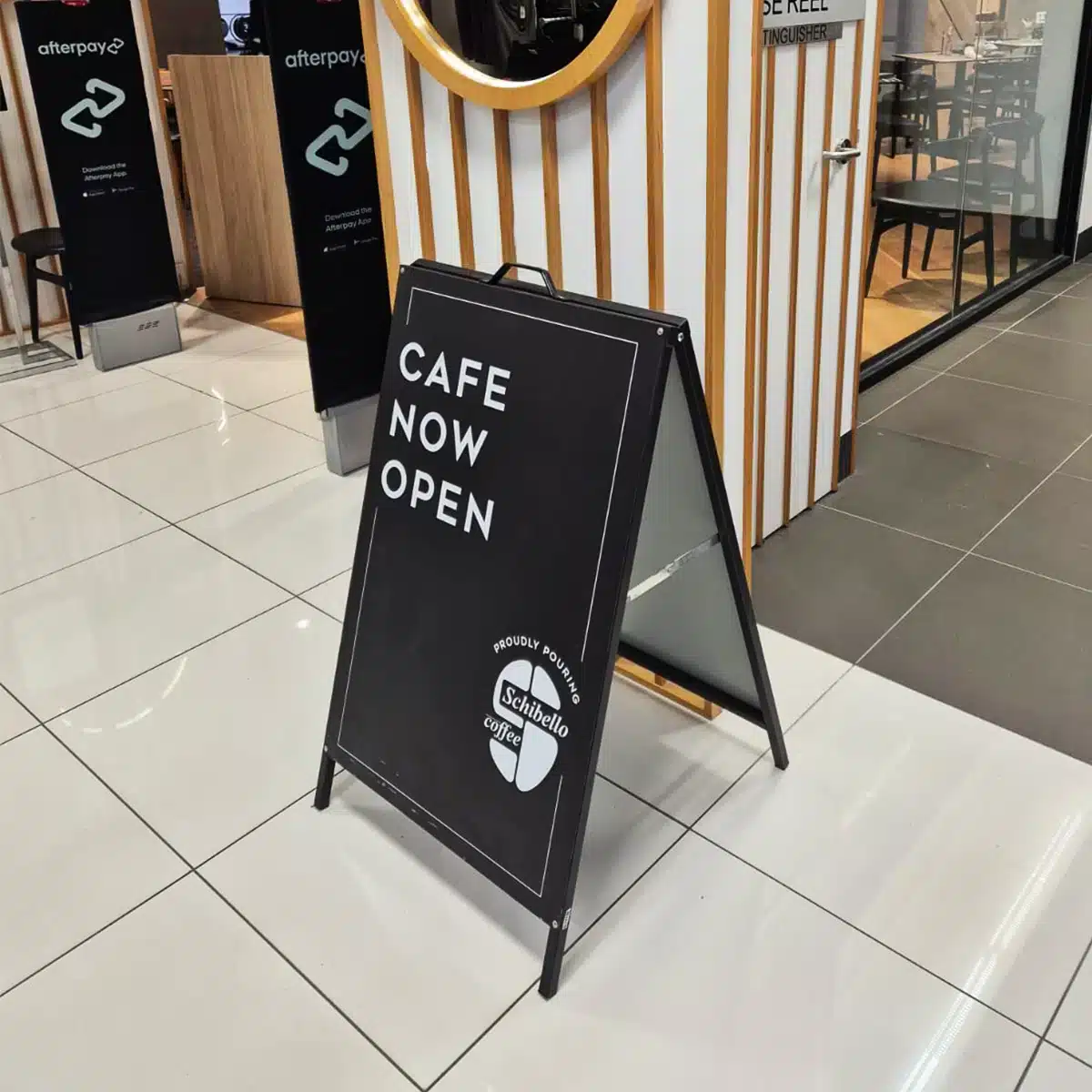
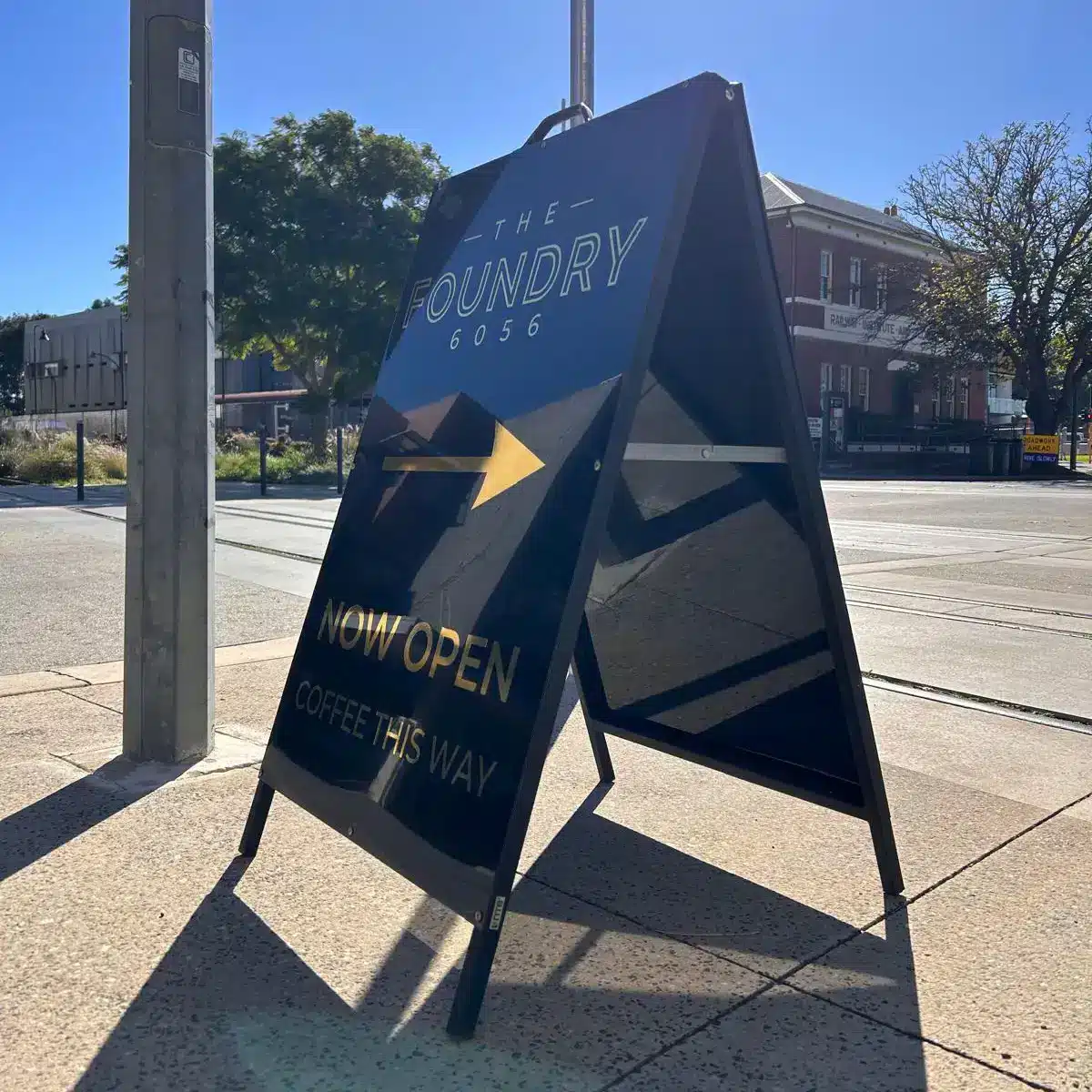
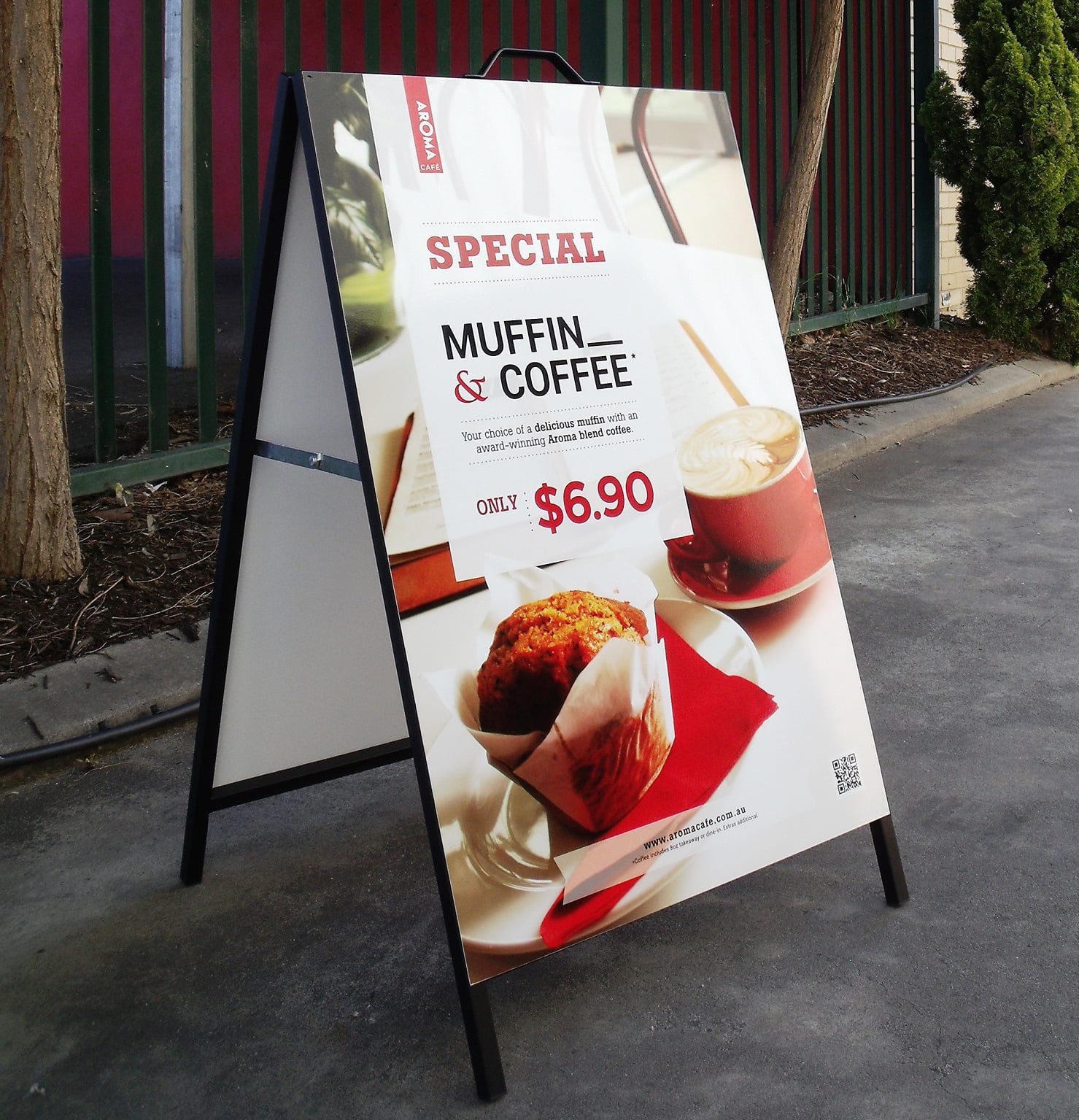
Metal Faced, Double Sided.
Portrait Metal Faced A-Frame
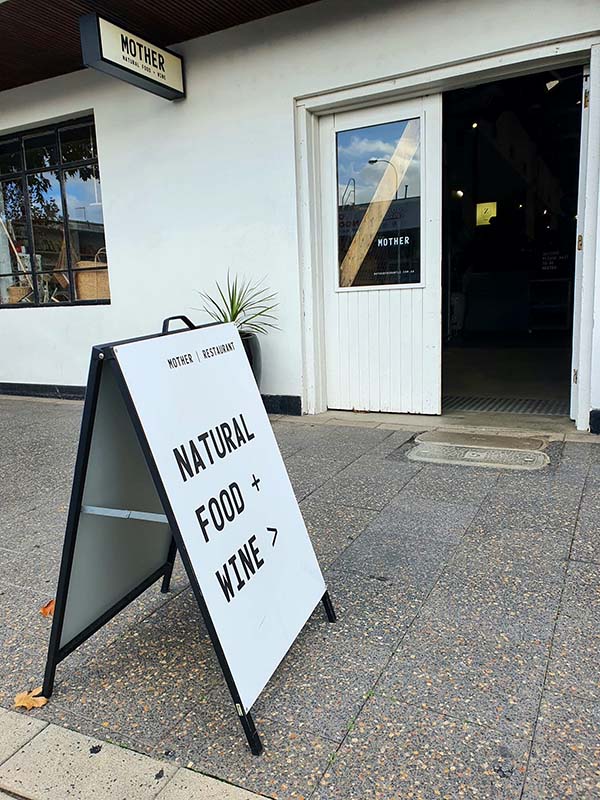
The Metal Faced A-Frame is a heavy-duty, economical pavement sign designed for reliable indoor and outdoor use. Built from high-quality steel and finished in a sleek black powder coat, it is a practical signage solution for retail stores, restaurants, footpath promotions and other high-traffic environments.
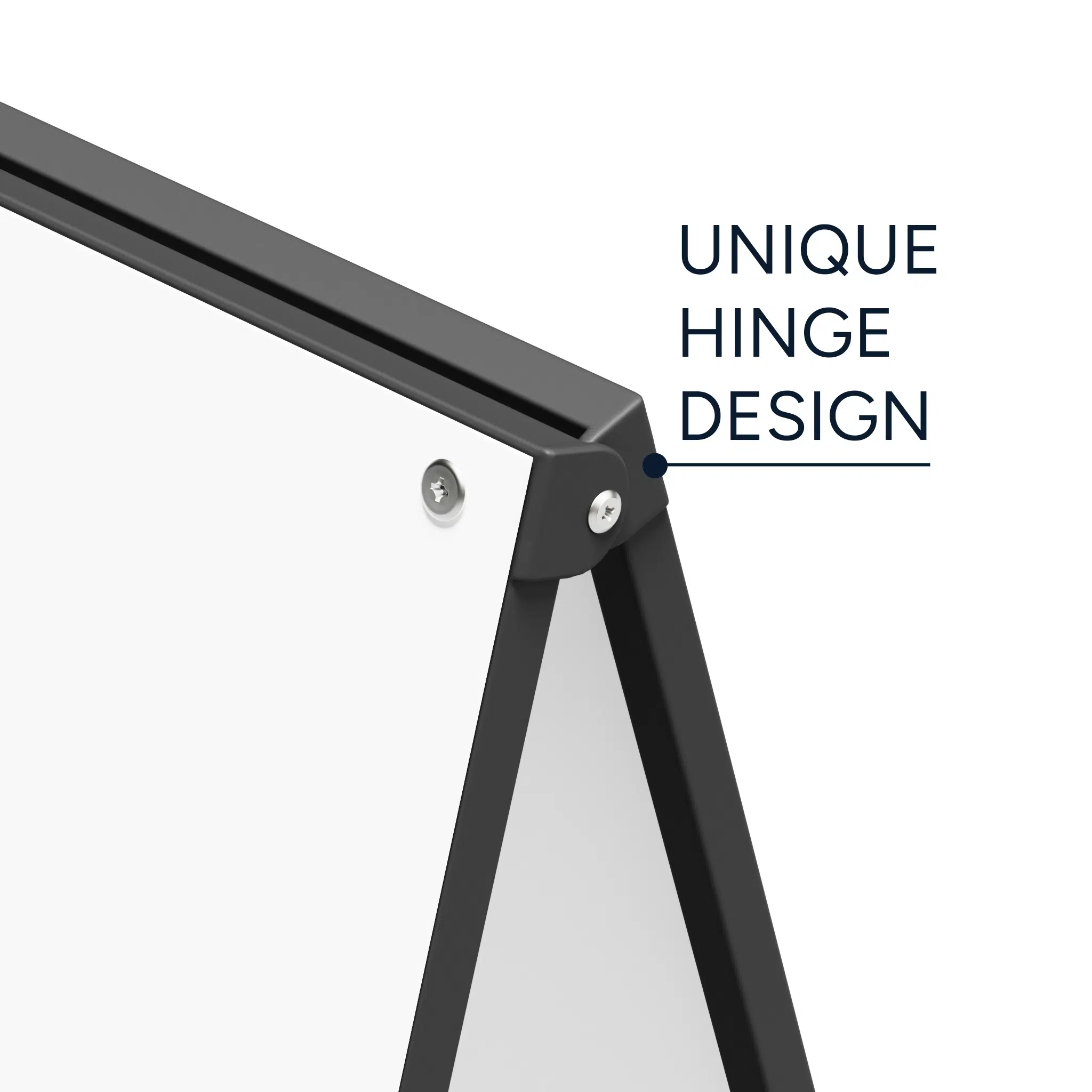
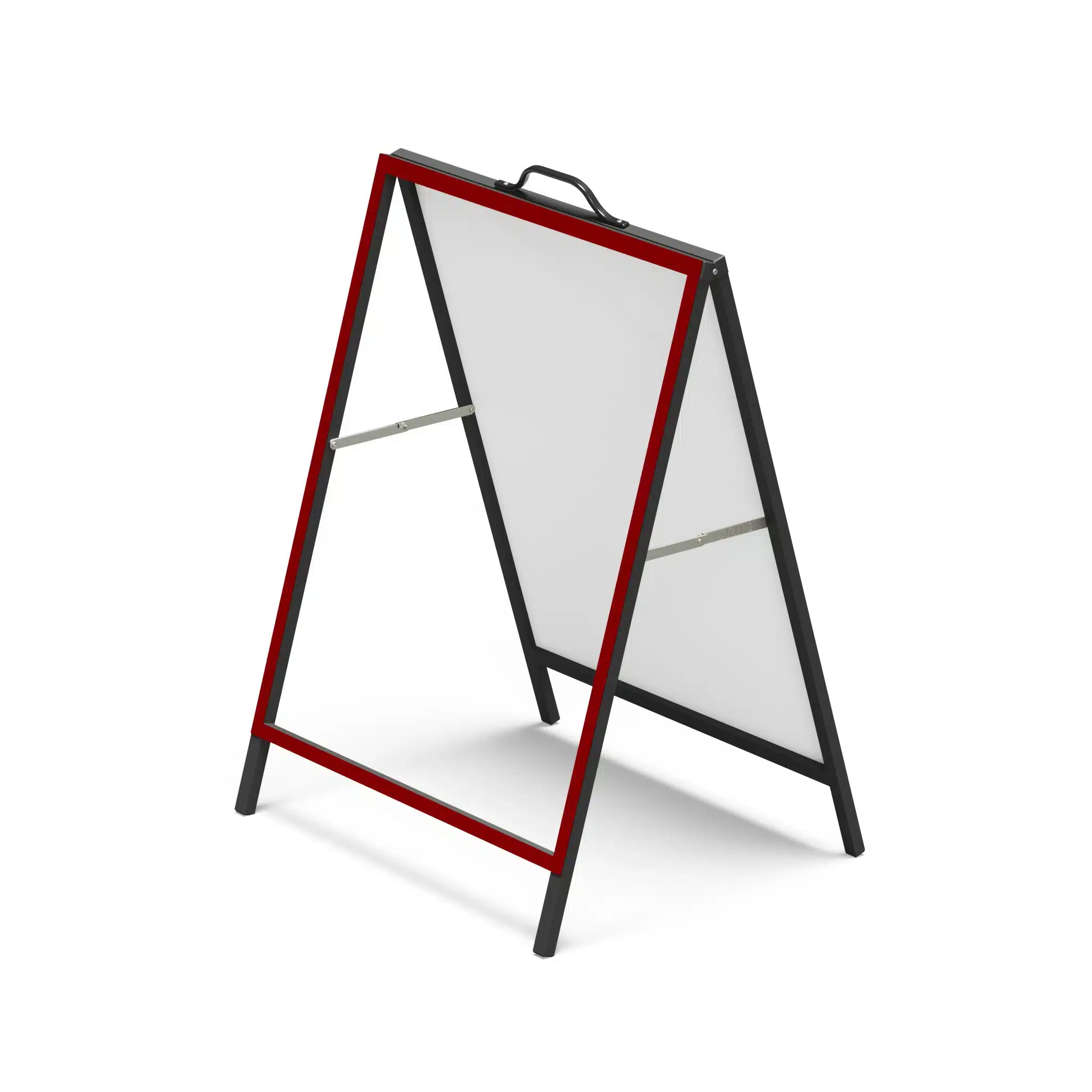
Designed for strength and easy handling, this sandwich board features 20mm square steel tubes welded for durability, a top handle for simple manoeuvring, and a reinforced hinge design built to last.
The updated hinge removes the need for a piano hinge across the top, giving the frame a cleaner and more polished look.
Individually packaged for easier distribution, this A-Frame is a cost-effective and dependable option for everyday sign display.
Key Features
- Heavy-duty metal faced A-Frame
- Suitable for indoor and outdoor use
- High-quality steel construction
- 20mm square tubes welded for strength
- Reinforced hinge design for improved durability
- Clean top profile with no piano hinge
- Black powder coat finish
- Top handle for easy manoeuvring
- Both panels attached to one side for safer transport and handling
- Additional screws and rivets included in a separate bag
- Individually packaged for easy distribution
- 70mm wheel diameter on the larger sizes
Important Instructions to use our online Design tool (Customers are recommended to read the instructions below before using the online design tool).
Banner House offers its customers to choose from our range of templates. Once prompted in online design tool, follow the instructions below.
- Choosing Template: Please select any template appearing on the left side panel.
- Default Size: All our A Frame templates are set on default dimensions of 900mm width and 1200mm height.
- Adjusting the template: When choosing other default sizes other than the default size of 900mm X 1200mm, customers may notice that the design template appears to be trimmed on sides. To adjust the design, select the background by clicking on the background. Then right click where customer will see range of options to adjust the design as per custom dimensions. Click on “Fit to width” or “Fit to height” or “Stretch” to adjust the template as per required dimensions.
- Customising Text: Double click on the text to customise. Once the text is selected, text properties appear on the above panel. Text can also be repositioned by simply clicking on the text and dragging to required location.
- Other Features: Customers can further customise the templates by selecting and adding from various categories of cliparts. Customers can add photos from range of upload sources. Shapes can also be added from the left panel of online design tool.
Reviews
There are no reviews yet.